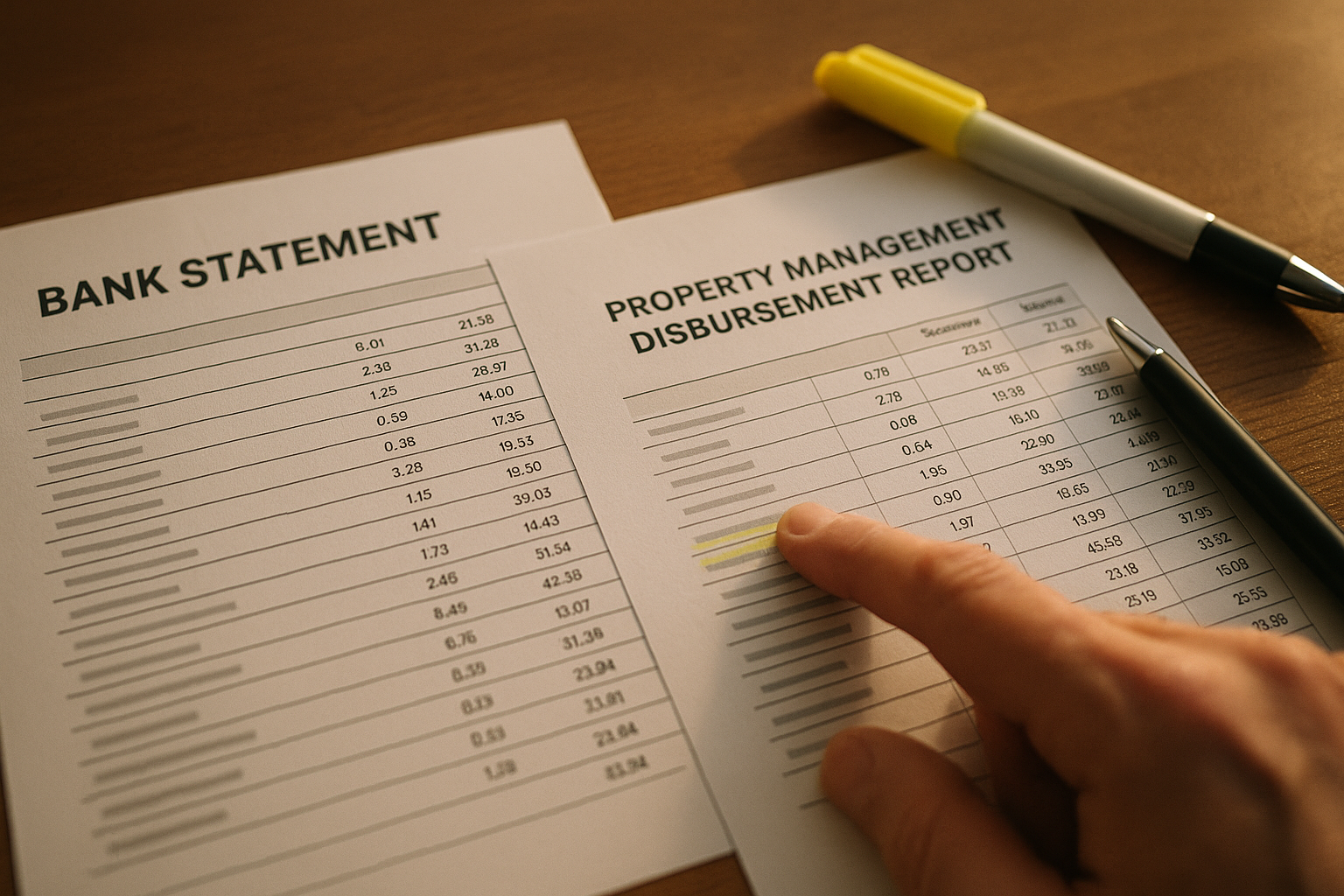
How to Manage a Rental Property Remotely (When You Have a Property Manager): The Owner Checklist
If you are trying to manage a rental property remotely, the hard part is not finding a property manager.
The hard part is staying in control when the truth is scattered across statement PDFs, bank deposits, email attachments, vendor invoices, insurance renewals, loan statements, and random text threads.
Remote ownership fails when you do not have a repeatable operating rhythm.
This checklist gives you that rhythm.
Remote ownership is a system problem, not a geography problem
Most remote landlord advice assumes you are doing the day to day work.
But if you hired a property manager, you are not trying to become better at scheduling plumbers.
You are trying to do three owner jobs consistently:
- Capture everything related to the property.
- Verify the money (income, expenses, and fees) is real.
- Decide what to do next with clean numbers.
DoorVault is built for that owner side.
Knox Intelligence is AI that proposes, learns, and never touches your data without permission. You can move fast with Trust Knox ON, or review every proposed change with Trust Knox OFF.
The setup checklist (do this once before you go fully remote)
If you only do one thing from this article, do this section.
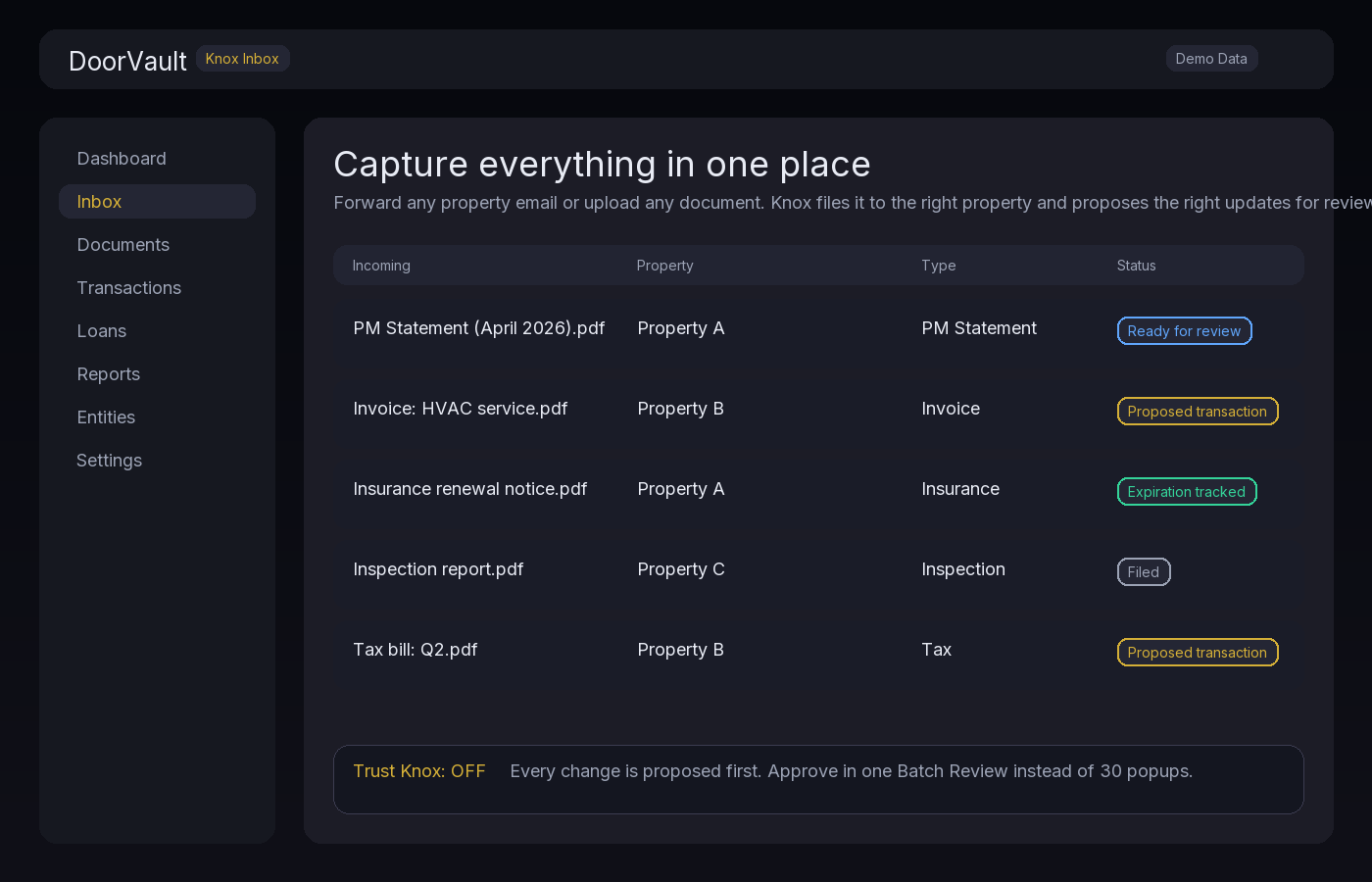
1) Put your property on one inbox
Remote problems start when documents land in five places.
Pick one capture path and commit to it:
- Forward every property related email to a dedicated inbox
- Upload documents when you get them
- Sync a cloud folder that your PM and vendors already use
The goal is simple.
Every PM statement, invoice, insurance renewal, inspection report, tax bill, lease addendum, and lender request should have a single place to land.
In DoorVault, that place is your Knox inbox plus your Document Vault, with Cloud Storage Sync when you want a folder based workflow.
2) Define your money map
Your PM will send you a statement.
Your bank will show deposits.
Your CPA will ask for categorized transactions.
If these three are not aligned, remote ownership turns into weekend bookkeeping.
At minimum, define:
- Where rent is supposed to land (which bank account)
- Which expenses your PM pays vs which you pay directly
- What reserves exist and where they live
- How often you expect statements and disbursements
DoorVault supports income and expense tracking built for real estate, bank reconciliation via CSV upload or Plaid Smart Sync, and one click Schedule E export per property.
3) Create a remote authority policy
Remote stress comes from constant micro approvals.
Write a simple policy you and your PM can follow.
Example:
- Under $250, PM can approve without asking
- $250 to $1,000, PM must send invoice first
- Over $1,000, PM must get written approval and 2 bids
In DoorVault, you can keep the supporting documents tied to the transaction so the audit trail is always complete.
The monthly control loop (30 minutes, per property manager)
This is where most remote landlords break down.
They glance at the PM statement, file it, and assume the numbers are right.
Instead, run a three input check.
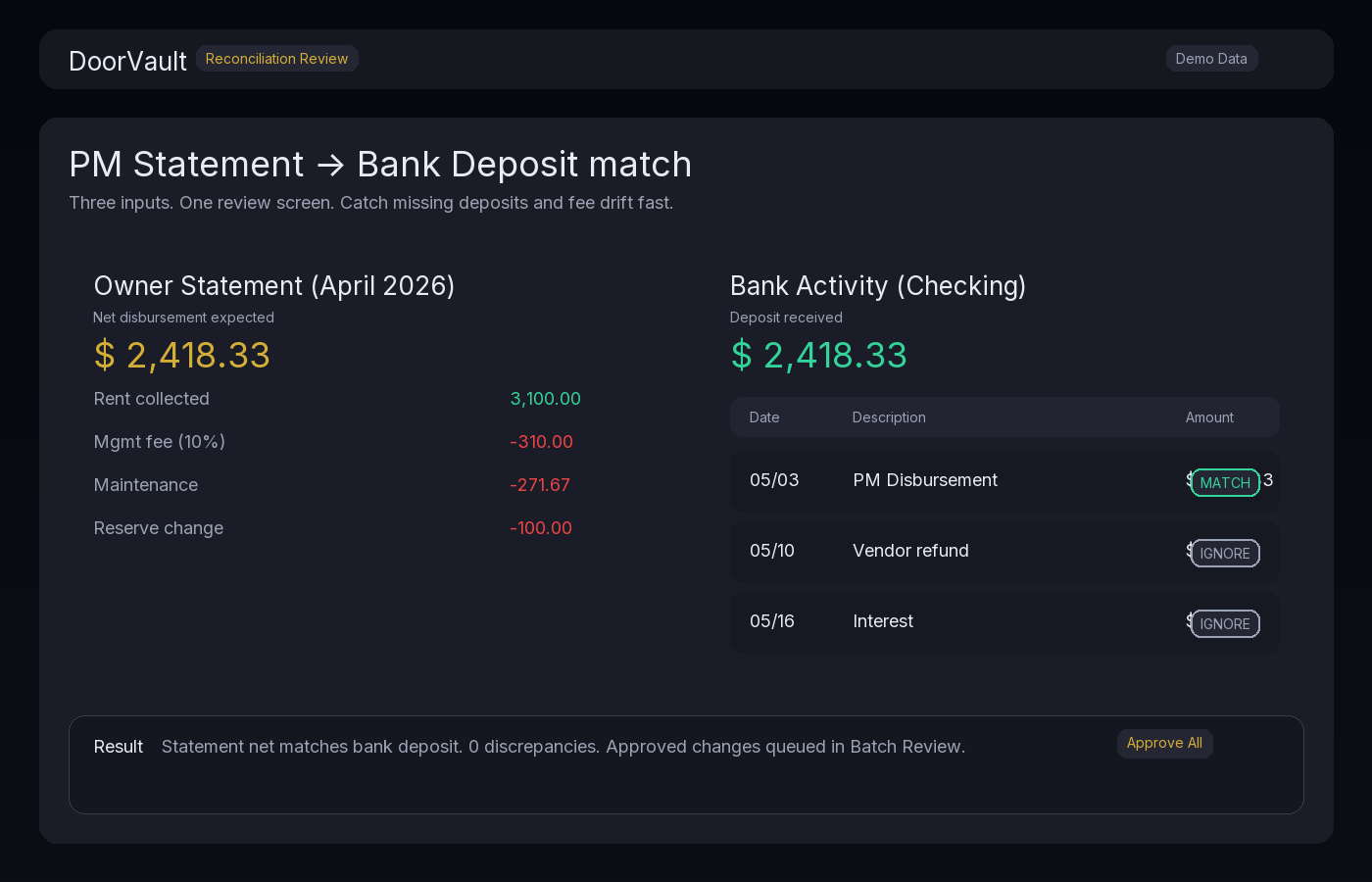
Step 1: Tie the PM statement to the bank deposit
Owner statements are usually net of fees and net of maintenance.
That makes the math feel impossible, but it is not.
Your job is to confirm one thing:
Does the net amount on the statement match what actually hit your bank?
If you want a detailed workflow, use this guide: https://blog.doorvault.app/owner-statement-reconciliation-how-to-match-your-pm-statement-to-your-bank-deposit-every-month
DoorVault makes this easier by keeping the PM statement, the transactions Knox extracted, and the bank activity in one place.
Step 2: Scan for fee drift and new line items
Remote ownership gets expensive in small ways.
A management fee increases.
A surprise admin fee appears.
A vendor charge repeats.
A reserve balance changes and you do not know why.
Make these checks every month:
- Management fee percent matches your contract
- Leasing fees only show up when there was a lease event
- Maintenance charges have supporting invoices
- Reserves balance change is explained
Knox can flag unusual charges and patterns across your portfolio, and the Activity Log keeps a clean audit trail with before and after snapshots.
Step 3: Confirm repairs are categorized correctly
This is not a tax nerd exercise.
It is how you keep clean performance numbers.
A simple example:
- A $250 plumbing fix is a repair
- A $4,800 HVAC replacement is likely a capital improvement
If you treat everything as the same bucket, your NOI and your tax prep both get noisy.
DoorVault supports capital improvement tracking and a capital improvement classifier so you can keep clean books year round.
Step 4: Update the one page view that drives decisions
Remote ownership should end with a clear answer.
Which properties are healthy?
Which are leaking money?
What is my real cash flow?
DoorVault gives you a Portfolio Dashboard plus per property P&L, with loan and equity context when you need it.
The quarterly review (60 minutes, for the whole portfolio)
Every quarter, do a deeper pass.
This is where you find the slow leaks.
1) Loans and debt position
If you are remote, you cannot afford to be surprised by a loan detail you forgot.
Track:
- Current balance
- Rate and payment
- Escrows
- Next adjustment date (if applicable)
DoorVault has a Loans Dashboard with per loan detail pages, mortgage payment splitting, and portfolio level debt KPIs.
2) Insurance and expiration risk
Insurance is a remote landlord trap.
The policy renews, the premium jumps, and you find out after the fact.
Track:
- Renewal dates
- Premium changes
- Coverage gaps
DoorVault can track insurance documents in your Document Vault, monitor expirations, and keep the renewal timeline visible.
3) Performance variance and reserves
Pick three performance checks:
- Top 1 property and bottom 1 property by cash flow
- Vacancy patterns
- Maintenance cost spikes
DoorVault reports make this quick, and Knox anomaly detection can highlight the outliers you should actually look at.
The annual audit (two hours, once a year)
Remote owners usually do an audit when something breaks.
Do it on purpose instead.
1) Tax readiness
Your goal is simple.
No April scramble.
DoorVault exports Schedule E ready data per property and supports CPA collaboration so your accountant can access the package without emailing spreadsheets back and forth.
2) Compliance, especially for Section 8
If you are scaling into Section 8, remote paperwork multiplies.
Track:
- Voucher details and rent portions
- HAP payments
- Inspection dates and repair deadlines
DoorVault includes Section 8 compliance tracking so the admin burden does not become the reason you stop scaling.
3) Refinance and lender readiness
Remote owners lose time when a lender asks for documents and you start hunting.
Keep your lender package ready:
- Purchase docs
- Current leases
- Insurance
- Tax and financial exports
DoorVault can generate lender packages and keep the supporting documents tied to the right property automatically.
How DoorVault makes remote ownership feel local
Remote landlording is not about doing more work.
It is about making the work lighter and more consistent.
Here is the workflow DoorVault is built around:
- Forward or upload any property document
- Knox reads it, categorizes it, and files it to the right property
- Transactions are created with a review flow when you want control
- Reports, loans, equity, and compliance stay current across the portfolio
If you want the document side of this system, use this guide: https://blog.doorvault.app/best-way-to-organize-rental-property-documents-system
Try DoorVault
If you want remote ownership to feel boring, start with the system.
DoorVault is built for landlords who use property managers and still want real visibility across their portfolio.
Start free at https://doorvault.app.